Game Over Scene
When the game is over, the screen switches to here. This scene shows some information.
1 | def game_over_scene(final_score, cause):
|
You get the score of game and cause from the game.
1 2 3 4 5 6 7 8 9 10 11 12 13 14 15 16 17 18 19 20 | text2 = stage.Text(width=29, height=14, font=None,
palette=constants.MT_GAME_STUDIO_PALETTE, buffer=None)
text2.move(50, 50)
text2.text("Score:{0}".format(final_score))
text.append(text2)
if cause == 0:
text3 = stage.Text(width=29, height=14, font=None,
palette=constants.MT_GAME_STUDIO_PALETTE,
buffer=None)
text3.move(12, 80)
text3.text("YOU HIT THE BIRD!")
text.append(text3)
else:
text3 = stage.Text(width=29, height=14, font=None,
palette=constants.MT_GAME_STUDIO_PALETTE,
buffer=None)
text3.move(10, 80)
text3.text("YOU HIT THE PLANE!")
text.append(text3)
|
The score put on the screen. And use if statement to indicate the cause. game_over.py This is the full codes of game over scene.
As soon as you save the file onto the PyBadge, the screen should flash and you should see something like:
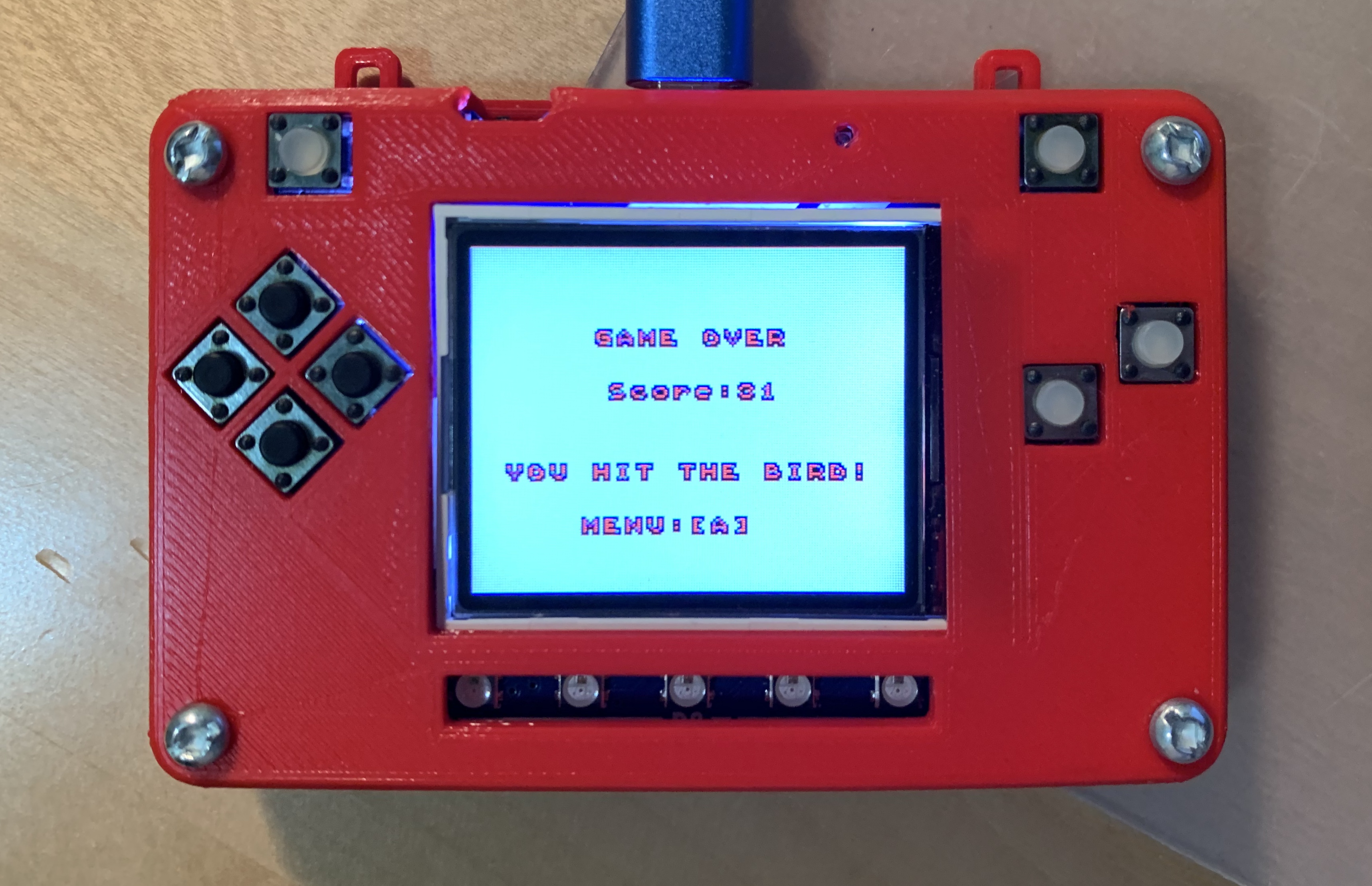
Game Over Scene