Show Airplane
sprites can be placed in front of the background. Create a list called sprites and put the ninth image in the image bank.
1 2 3 4 | sprites = []
plane = stage.Sprite(image_bank_1, 8, 72, 56)
sprites.append(plane)
|
As soon as you save the file onto the PyBadge, the screen should flash and you should see something like:
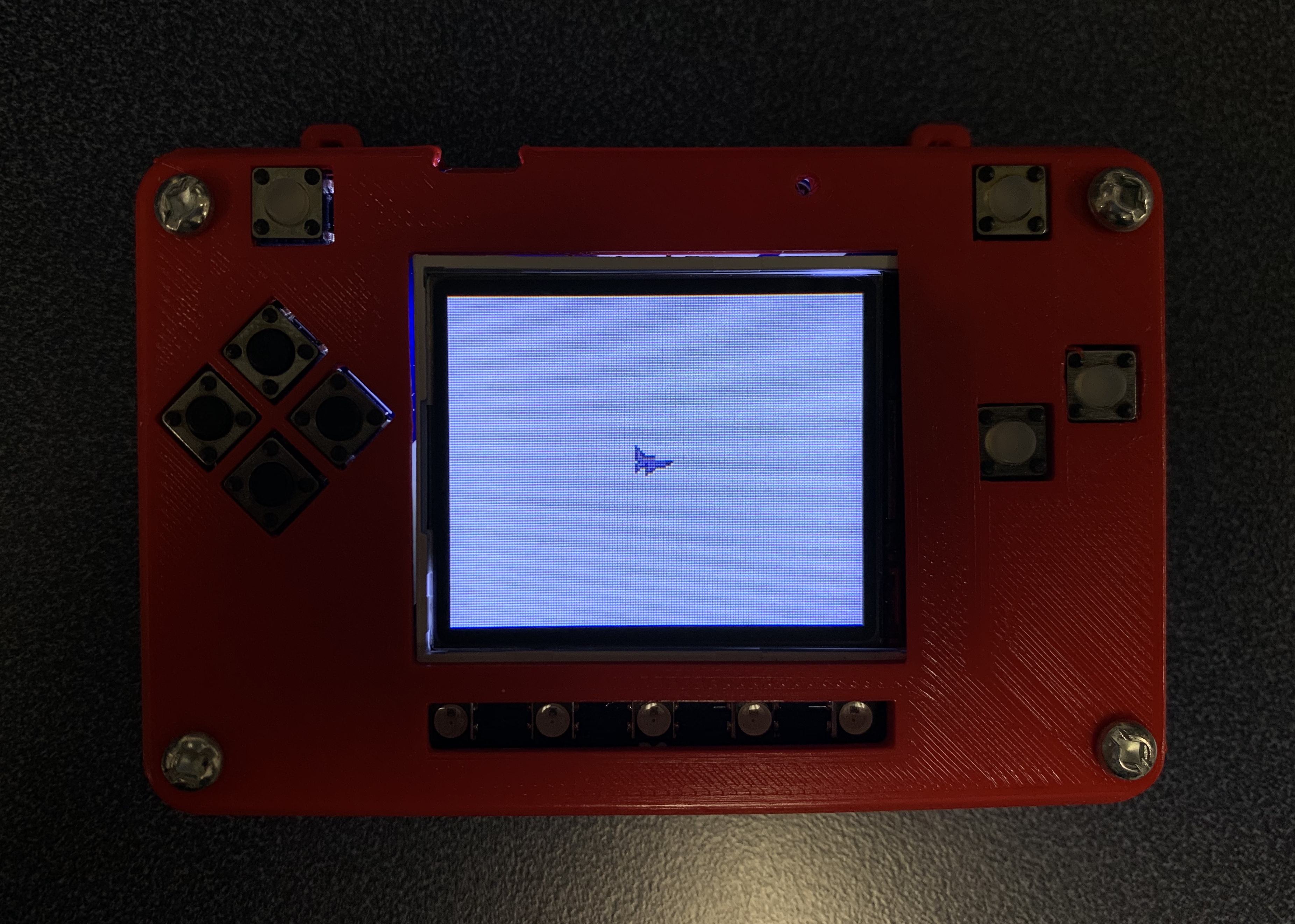
Plane on PyBadg
This code will not work. There is a lot more to this code. Below is the full version of the code above. I imported stage and ugame. Also I add the list of sprites in layers and in the game rendering of while loop function.
1 2 3 4 5 6 7 8 9 10 11 12 13 14 15 16 17 18 19 20 21 22 23 24 25 26 27 28 29 30 31 32 33 34 35 36 37 38 | #!/usr/bin/env python3
# Created by : Jay Lee
# Created on : Jan 2020
# This program display sprite
import ugame
import stage
def main():
# this function display background of pybadge
image_bank_1 = stage.Bank.from_bmp16("avoid_or_shoot.bmp")
background = stage.Grid(image_bank_1, 10, 8)
sprites = []

plane = stage.Sprite(image_bank_1, 8, 72, 56)
sprites.append(plane)
# create a stage for the background to show up on
# and set the frame rate to 60fps
game = stage.Stage(ugame.display, 60)
# set the layers, items show up in order
game.layers = sprites + [background]
# render the background and inital location of sprite list
# most likely you will only render background once per scene
game.render_block()
# repeat forever, game loop
while True:
game.render_sprites(sprites)
game.tick()
if __name__ == "__main__":
main()
|
Now, you can get a sprite to show up in front of your background on your PyBadge.