Plane Selection
I created the selection scene that can choose the plane by user. Planes are placed in quadrant on the screen. And the select box has to move exactly on the plane’s position.
1 2 3 4 5 6 7 8 9 10 11 12 13 14 15 16 17 18 19 20 21 22 23 24 25 26 27 28 29 30 31 32 33 34 35 | while True:
keys = ugame.buttons.get_pressed()
if keys & ugame.K_UP != 0:
if select_box1.y != constants.SCREEN_Y / 4:
select_box1.move(int(select_box1.x),
int(constants.SCREEN_Y / 4))
else:
pass
pass
if keys & ugame.K_DOWN != 0:
if select_box1.y != (constants.SCREEN_Y * 3 / 4 -
constants.SPRITE_SIZE):
select_box1.move(int(select_box1.x),
int(constants.SCREEN_Y * 3 / 4 -
constants.SPRITE_SIZE))
else:
pass
pass
if keys & ugame.K_LEFT != 0:
if select_box1.x != constants.SCREEN_X / 4:
select_box1.move(int(constants.SCREEN_X / 4),
int(select_box1.y))
else:
pass
pass
if keys & ugame.K_RIGHT != 0:
if select_box1.x != (constants.SCREEN_X * 3 / 4 -
constants.SPRITE_SIZE):
select_box1.move(int(constants.SCREEN_X * 3 / 4 -
constants.SPRITE_SIZE),
int(select_box1.y))
else:
pass
pass
|
There is full codes of selection scene. => selection_scene.py <=
In the codes, I send airplane information to the game.
As soon as you save the file onto the PyBadge, the screen should flash and you should see something like:
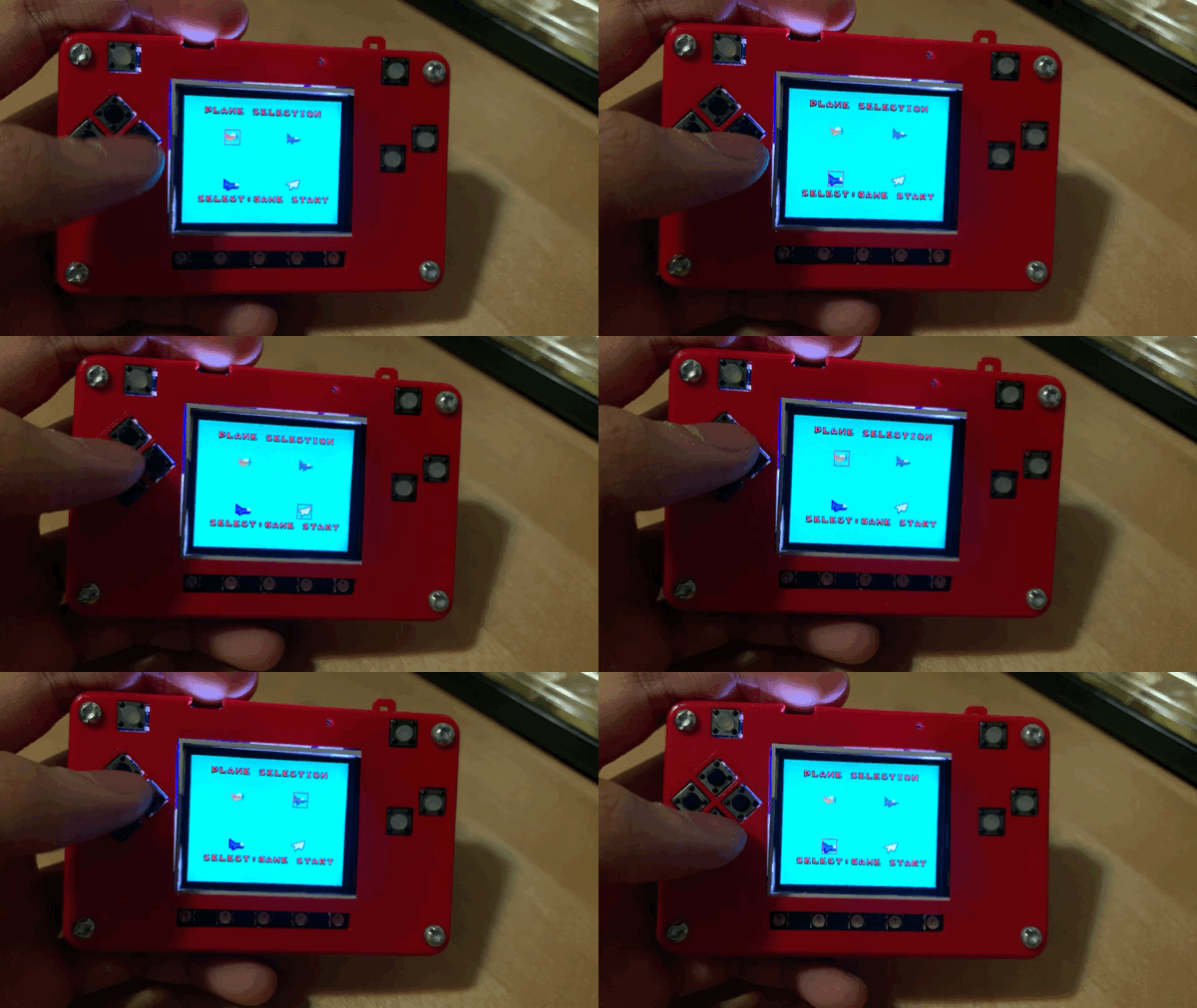
Plane Selection
Now, you can choose plane on your PyBadge.