Shoot the Missile
Create multiple missiles and put them in the list because missiles can appear on single screen.
1 2 3 4 5 6 | missiles = []
for missile_number in range(constants.TOTAL_NUMBER_OF_MISSILES):
missile = stage.Sprite(image_bank_3, 12, constants.OFF_SCREEN_X,
constants.OFF_SCREEN_Y)
missiles.append(missile)
|
So I used for loop to create multiple missiles.
1 2 3 4 5 6 7 8 9 10 | if keys & ugame.K_X != 0:
if a_button == constants.button_state["button_up"]:
a_button = constants.button_state["button_just_pressed"]
elif a_button == constants.button_state["button_just_pressed"]:
a_button = constants.button_state["button_still_pressed"]
else:
if a_button == constants.button_state["button_still_pressed"]:
a_button = constants.button_state["button_released"]
else:
a_button = constants.button_state["button_up"]
|
The above distinguishes when pressed, when still pressed, and when not pressed.
1 2 3 4 5 | if a_button == constants.button_state["button_just_pressed"]:
if number_of_missiles > 0:
for missile_number in range(len(missiles)):
if missiles[missile_number].y < 0:
missiles[missile_number].move(plane.x, plane.y)
|
When the A button is pressed, the missile move to plane location.
1 2 3 4 5 6 7 8 | for missile_number in range(len(missiles)):
if missiles[missile_number].y > 0:
missiles[missile_number].move(missiles[missile_number].x +
constants.MISSLE_SPEED,
missiles[missile_number].y)
if missiles[missile_number].x > constants.SCREEN_X:
missiles[missile_number].move(constants.OFF_SCREEN_X,
constants.OFF_SCREEN_Y)
|
Then, missile move from plane to right side. And if the missile go off the screen, it moves to the location where I created it.
As soon as you save the file onto the PyBadge, the screen should flash and you should see something like:
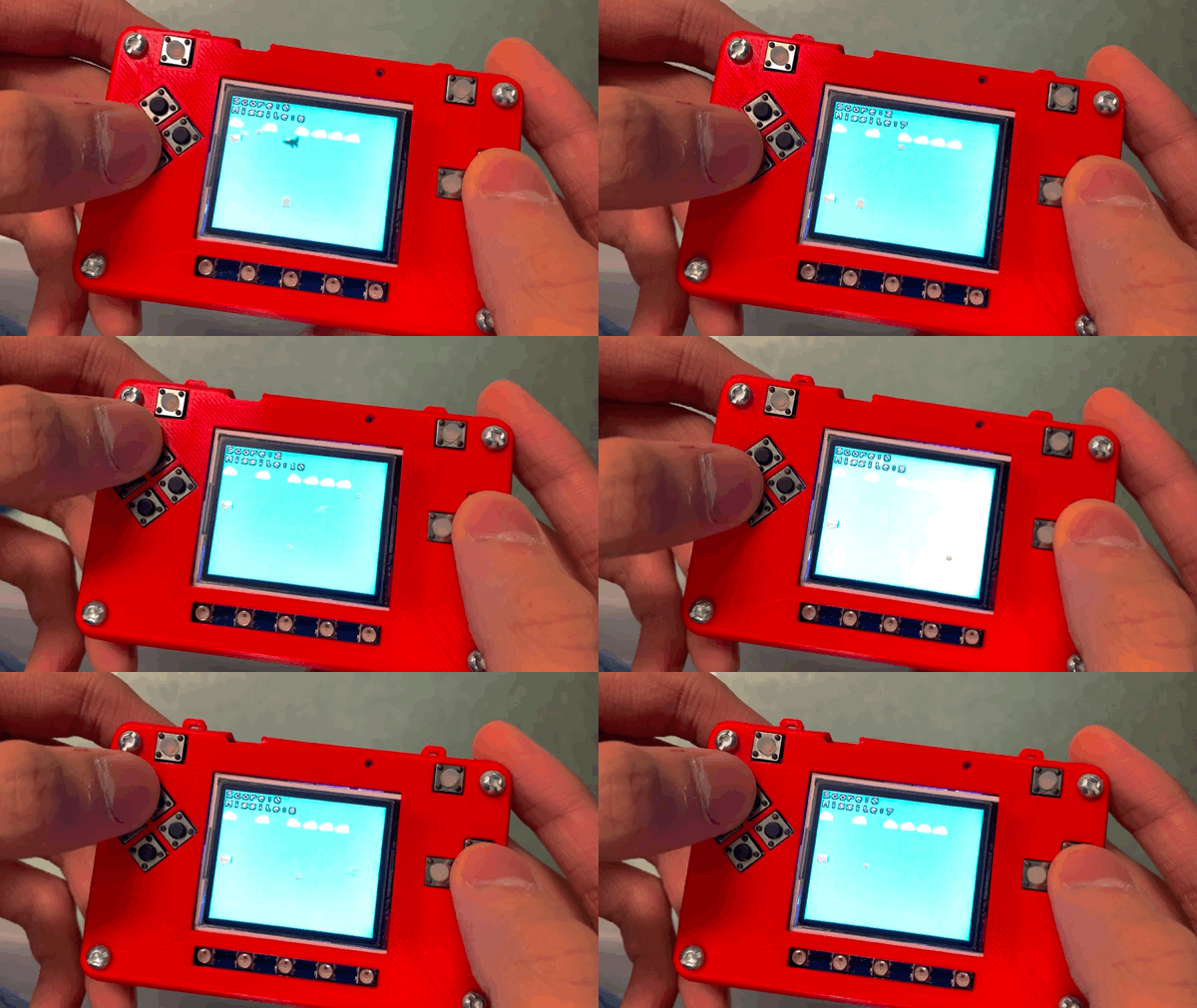
Shooting missile
Now, you can shoot the missiles on your PyBadge.